
Large-Format Precision in Practice: My Hands-On Review of the UUNA TEK 3.0 A1 Plotter
I just got my UUNA TEK 3.0 A1 plotter a few days ago, and I am very impressed with the machine. Before the A1, I used the 2.0 A3 H-Frame plotter for about a year and a half to create drawings of my designs and artworks. The jump from the A3 to the A1 3.0 is huge in terms of size, performance, and quality, which makes it perfect for large format plots. In this blog, I will review UUNA TEK’s 3.0 A1 plotter and share my experience with the machine.
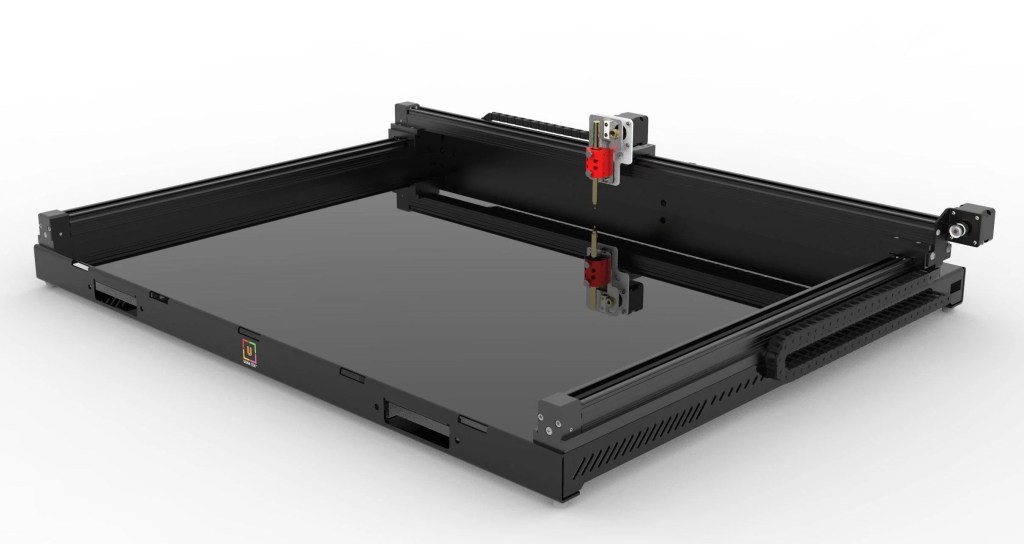
The setup was really easy in which all you need to do is take the plotter out of the box, remove the protective materials, put a pen in the holder, plug in the plotter, download the software, and you’re ready to go. As someone who is not very mechanically or computer-savvy, this machine was one of the easiest I’ve ever set up. The build is heavy, sturdy, and well-organized, and all the wiring is cleanly packed inside the machine. The machine was surprisingly quiet for its size and I would say it may be quieter than my A3 2.0. The only thing to be prepared for is to have a table big enough because this plotter is massive.

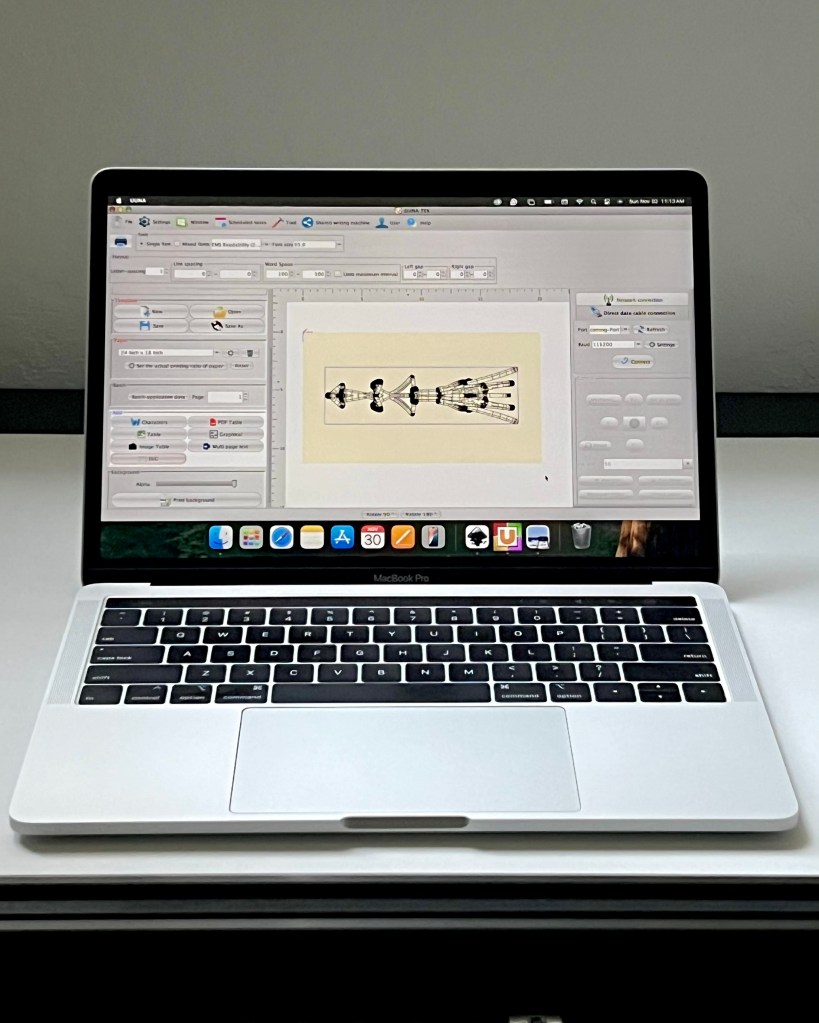
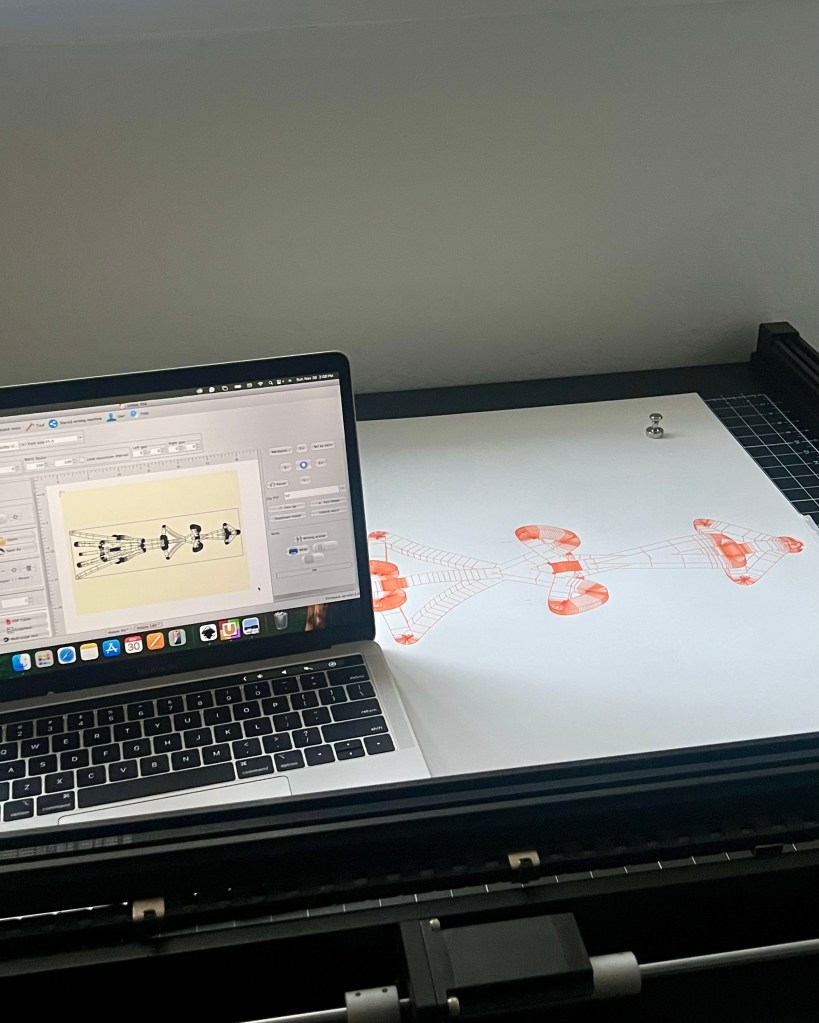
To run the plotter, you can use UUNA TEK’s proprietary software, UUNA, or the 3.0 plug-in for Inkscape. The UUNA software generates G-codes quickly and connects instantly to the plotter when plugged in directly. It has a learning curve, but it’s similar to the one I experienced when first learning Inkscape. I’m currently using an Intel MacBook Pro in which UUNA runs perfectly fine on it. The software has many modes such as Drawing Board, Grid, and Teaching Plan, but I mainly use SVG Mode and Table Mode because those modes read SVG files. All you have to do is set your page size, load your SVG, and you’re ready to plot. The only issue I’ve run into is that moving and resizing SVGs can be difficult because the icons become extremely small when plotting something that uses the full the drawing surface. Overall, UUNA works great with no issues reading SVGs or generating plots.
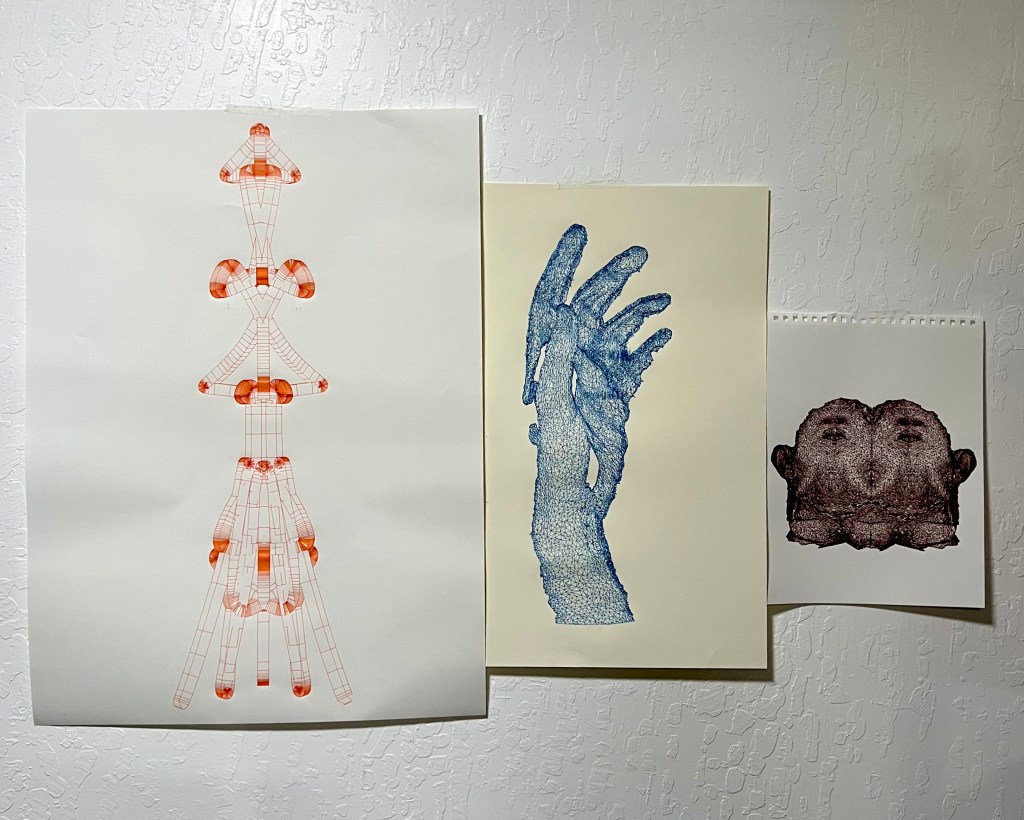
The plotting process had a few hiccups at first, but the results look great. In the beginning, it took me a few tries to get a successful plot because either the pen holder or the drawing surface would lose contact with the pen in certain areas however, UUNA TEK support helped me solve this problem. My first plot was a 3D scan of my hand using a 0.5 mm pen on 18 × 24 in 130 gsm drawing paper. The plot came out great with clean, even lines throughout. The only issue I had was some paper bunching toward the end of the plot, which caused the pen to mark the raised areas, but this can easily be solved with more magnets and tape.
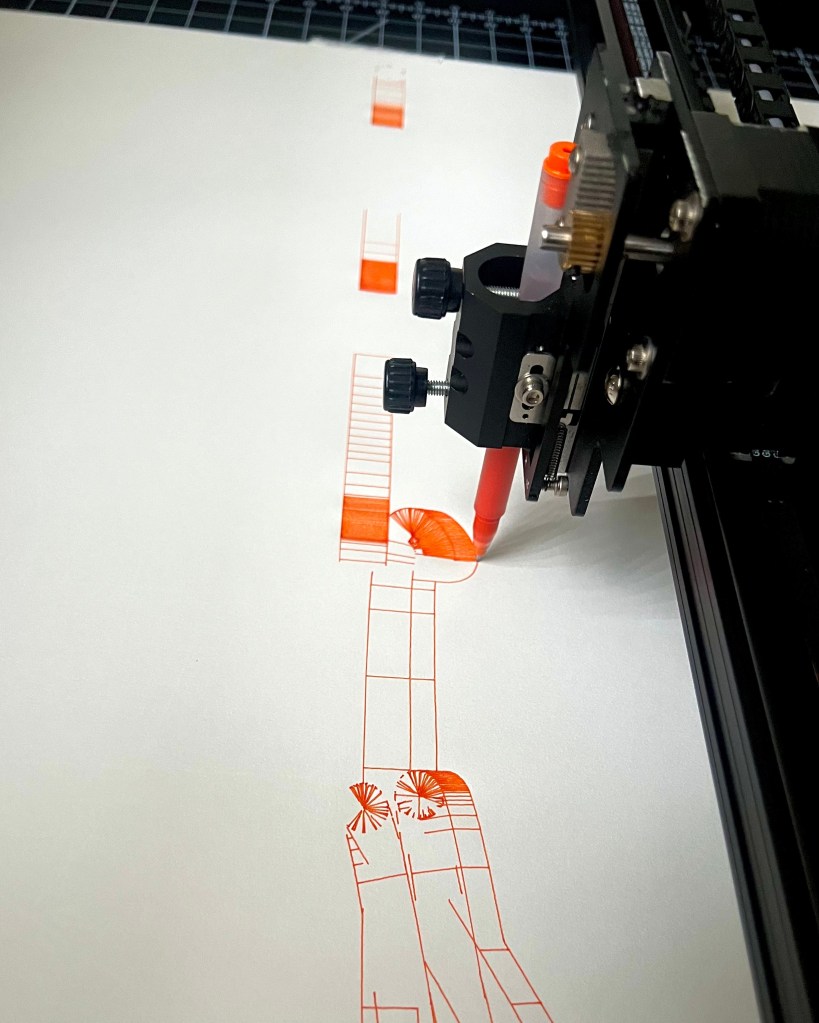
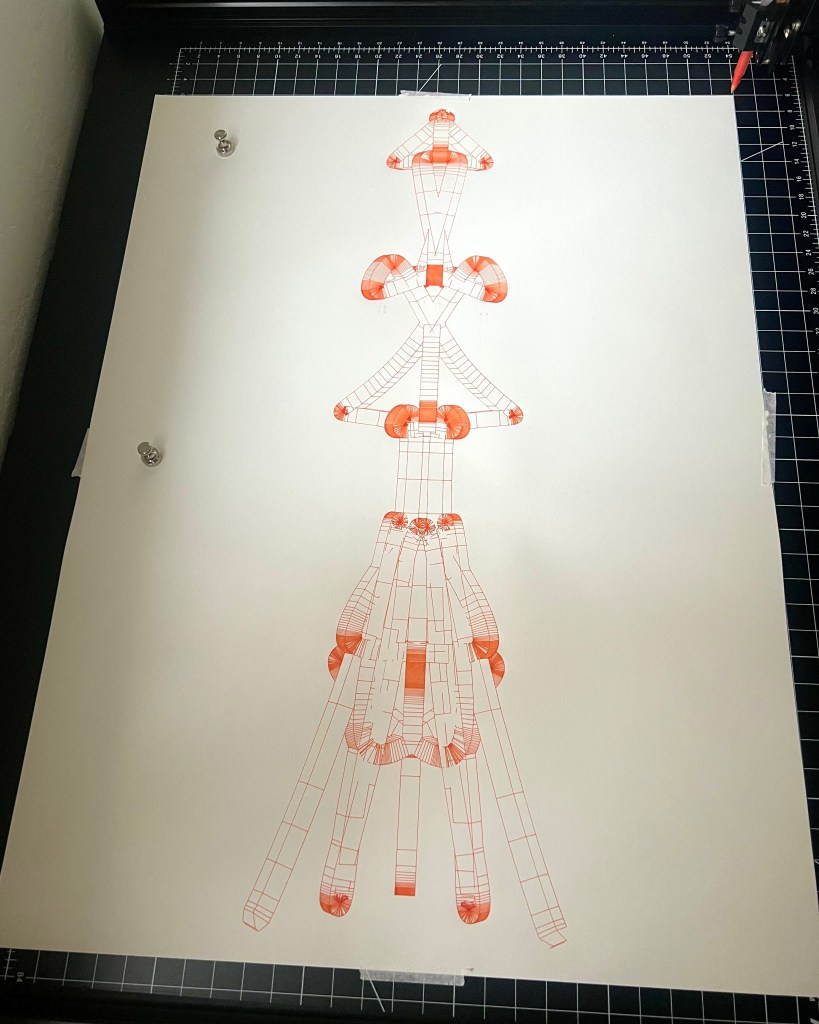
My second plot was the data from one of my tower sculptures, using a 0.5 mm pen on 22 × 30 in 114 gsm drawing paper. This plot came out perfect just like the first. The only iffy thing about the plotter so far is the inconsistency of the pen pressure. I’m not sure if it’s the drawing surface itself or the pen holder lifting slightly, but there’s a noticeable difference in sound when the pressure increases.
Just to summarize the plotter here are some pros & cons that I found:
Pros:
The quality of the build
– Its all metal
– All the wires are organized
– Quite for its size
The plotting size
– 23.4 x 33.1 in plotting area
– Can plot small to large
Fast connectivity
– Connects instantly to computer via USB
– Plot starts right away when ready to plot
Cons:
Small icons in software
– The move, rotate, and resize icons are really small when plotting large
Uneven drawing surface
– The pressure of the pen is higher in some spots that others
– Sometime pen loses contact with paper
Overall, UUNA TEK’s 3.0 A1 plotter is a great plotter if you’re looking to upgrade from a smaller plotter or even if you’re starting out with your first one. Thank you UNNATEK for sending me your plotter to review.
Please visit the link below if you want to learn more or to purchase UUNA TEK’s 3.0 A1 Pen Plotter:
 Anthony Ramsey